File Systems
We've talked about storage devices in the hardware section: HDDs, SSDs, etc. What we haven't covered is file systems, a very important part of systems administration.
Like most of these topics you can go really deep, but today we only need to know about the basics.
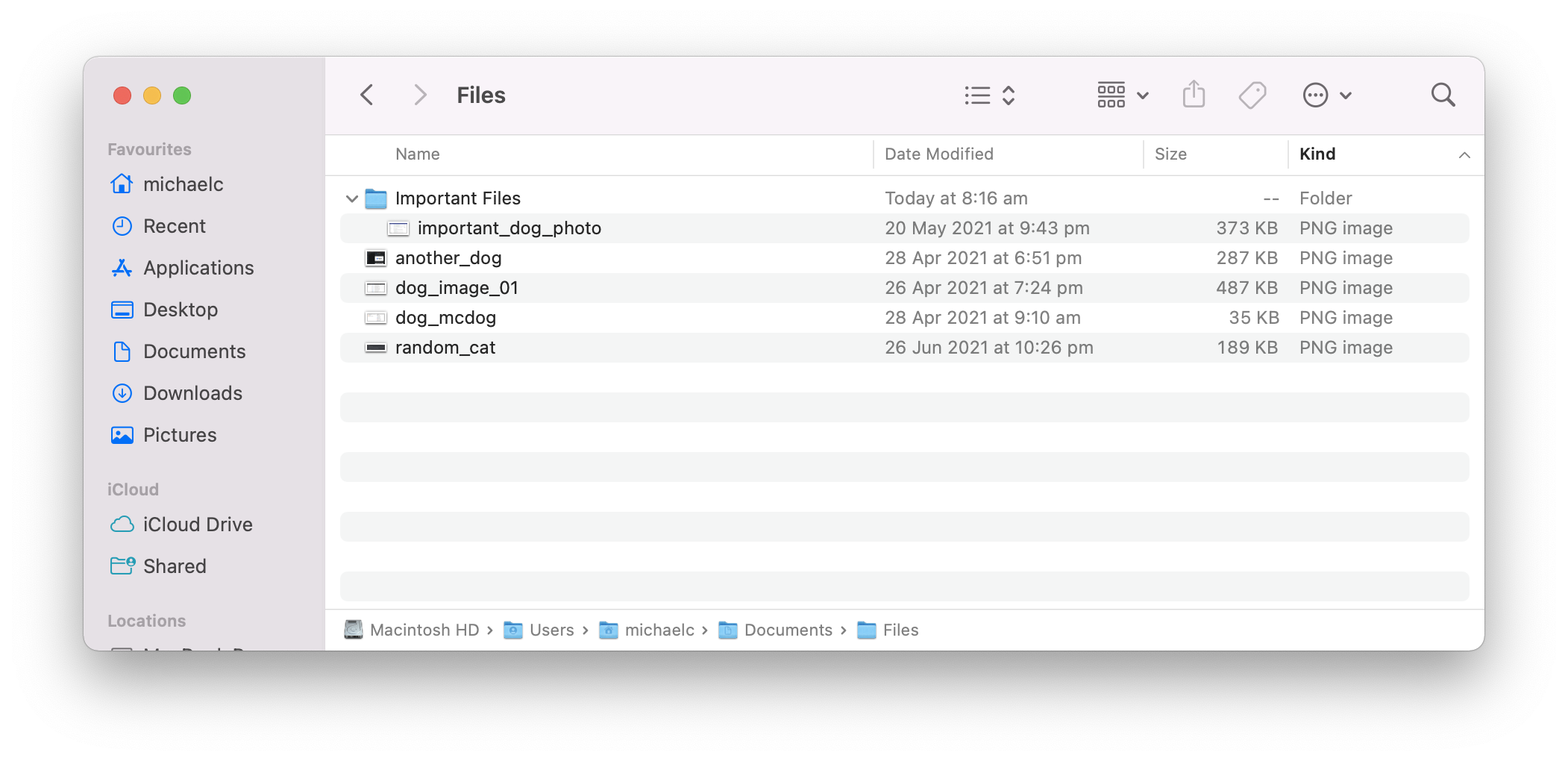
A file system can be thought of as a database for your files. When you create a file, the file system does the work of writing it to the storage device and then recording the details about the file: location, name, date and times, permissions, etc.
It stores all of this information so that you can "browse" your files, like this:
Let's explore a few key topics:
- Filesystem types
- Partitions
- Filesystem mounts
- File system information
- LVM
With these basics we'll have a good idea of the basics.